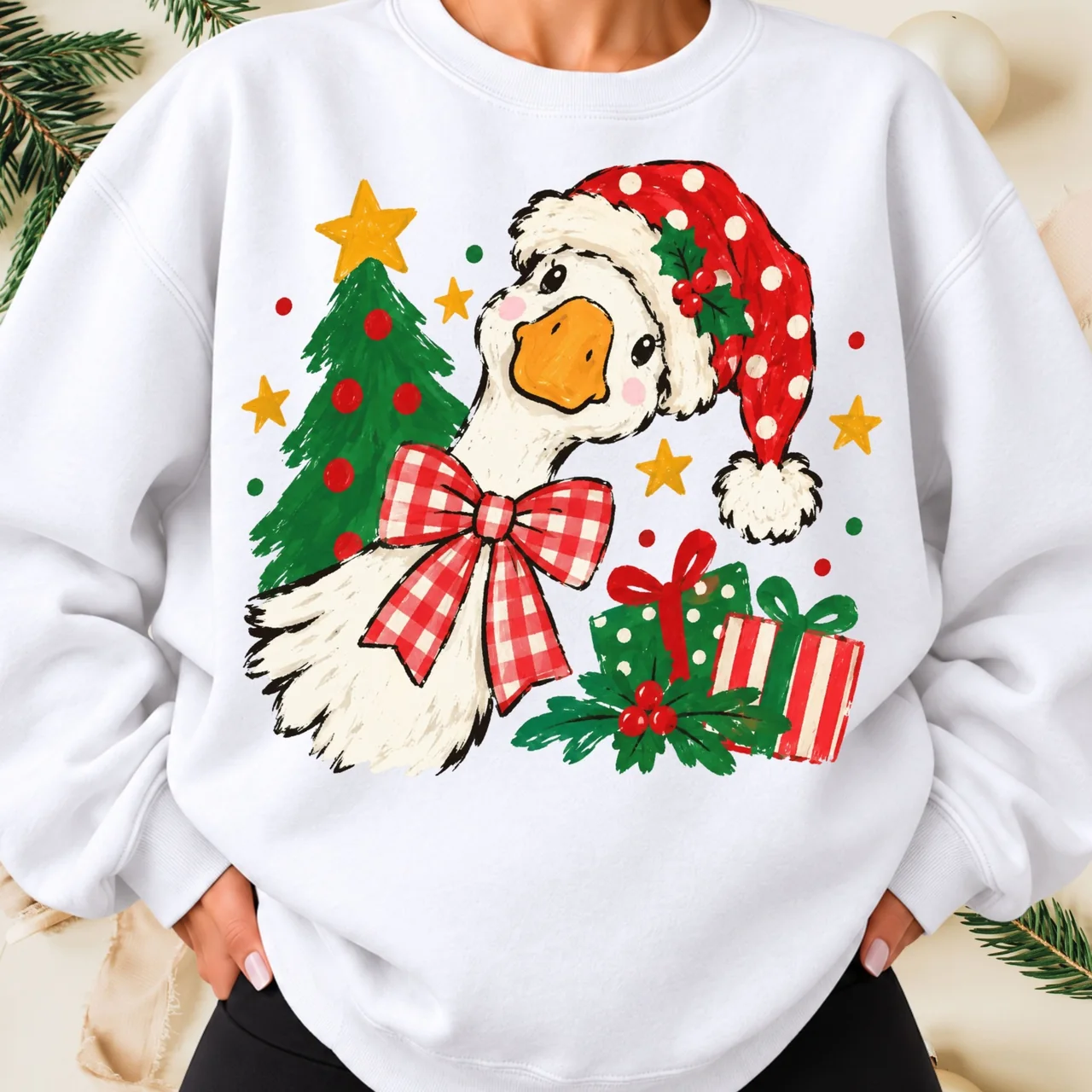
Learn to inspect PNG transparency, place digital graphics on mockups, and avoid common background and sizing mistakes. This guide is educational; always check product details and current software instructions for your own project.
What is a transparent PNG?
A PNG may include an alpha channel, which allows portions of an image to be fully or partly transparent. When a transparency-supporting application displays that image over a colored canvas, the empty areas should show the canvas instead of a solid white block.
Not every PNG is transparent. PNG names the file format, not a guarantee about its background.
Step 1: Inspect the downloaded file
Unzip the purchased download if it arrived inside an archive. Open the image in an application that supports transparency and inspect it over a contrasting checkerboard or colored layer.
If you see a white rectangle around the artwork, confirm that you opened the correct file. Do not assume you should simply erase white pixels: many designs contain intentional white highlights.
Step 2: Confirm the intended output size
Check pixel dimensions before enlarging a raster design. A 1000-pixel-wide file and a 4500-pixel-wide file can behave very differently when printed at the same physical width.
For a rough planning estimate, divide pixel width by a target pixels-per-inch figure. For example, at 300 pixels per inch, 3000 pixels spans about 10 inches. This is a calculation, not a guarantee of output quality or a requirement for every printer.
Step 3: Place the artwork in your project
For a layout mockup, place the image as a separate layer over the project background. Adjust its position and scale without stretching its proportions.
For an actual production job, confirm the intended transfer medium, printer, ink, material and manufacturer guidance. Sublimation and other garment decoration workflows have different technical requirements.
Common mistakes
A white background that looked transparent in a small preview; a source file enlarged until it becomes fuzzy; a flattened mockup mistaken for the downloadable artwork; and a design used commercially without checking its license are all avoidable issues.
For Blumevia products, treat garment photography as examples of a possible application, not as proof that you are purchasing the garment shown.
Reference and further reading
Find artwork for your next project
Explore original digital graphics, then follow the linked Etsy or Gumroad listing to confirm exactly what is included.
Explore digital designs ↗